See the Process Release Information
Information about the process release is available to all process users.
From the Process start page, use the context menu at top right and select Process Release Details.
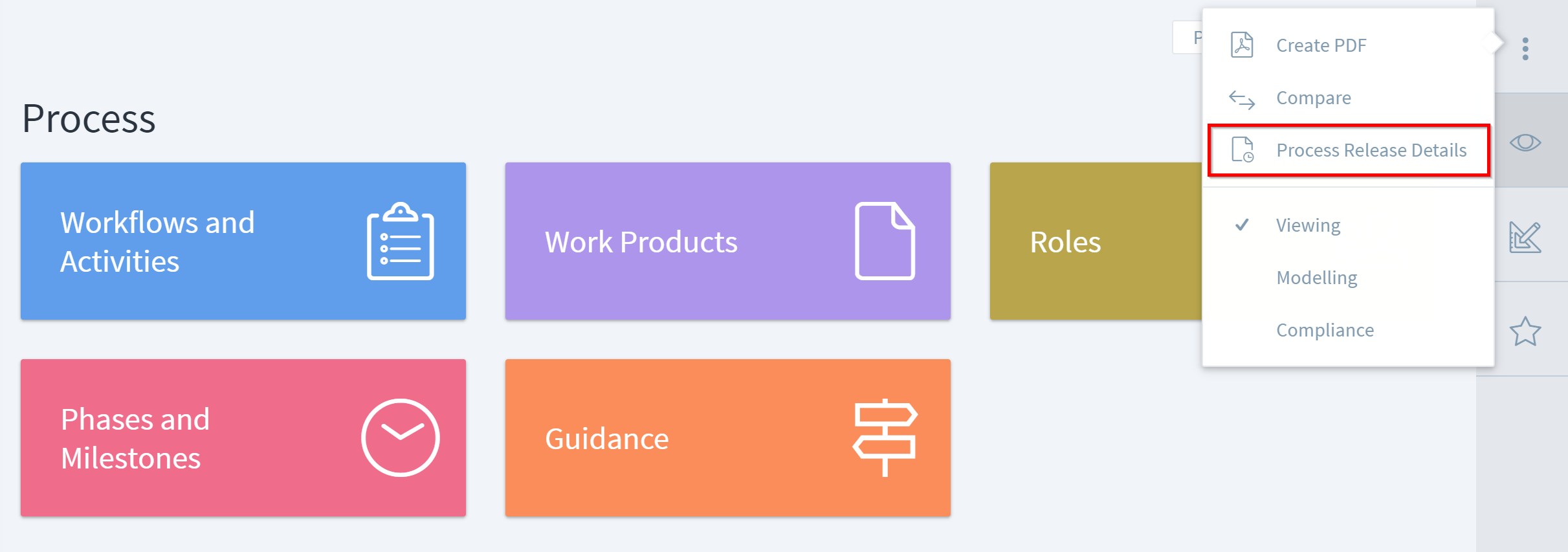 A window displays the release details. The amount of information depends on whether the process release was manual or via a release automation.
At a minimum, the details show the release name and description, and the versions and descriptions of any modules included in the process. For processes created from a release automation, you can see additional information about the review and/or approval steps of the release.
 PDF exports of the process will also contain this release information.