Copy a Process
A predefined process can be imported into another workspace using Copy process.
1. Create the workspace where the process has to be imported.
2. Next navigate to the Process tab in that workspace and select the Copy process function.
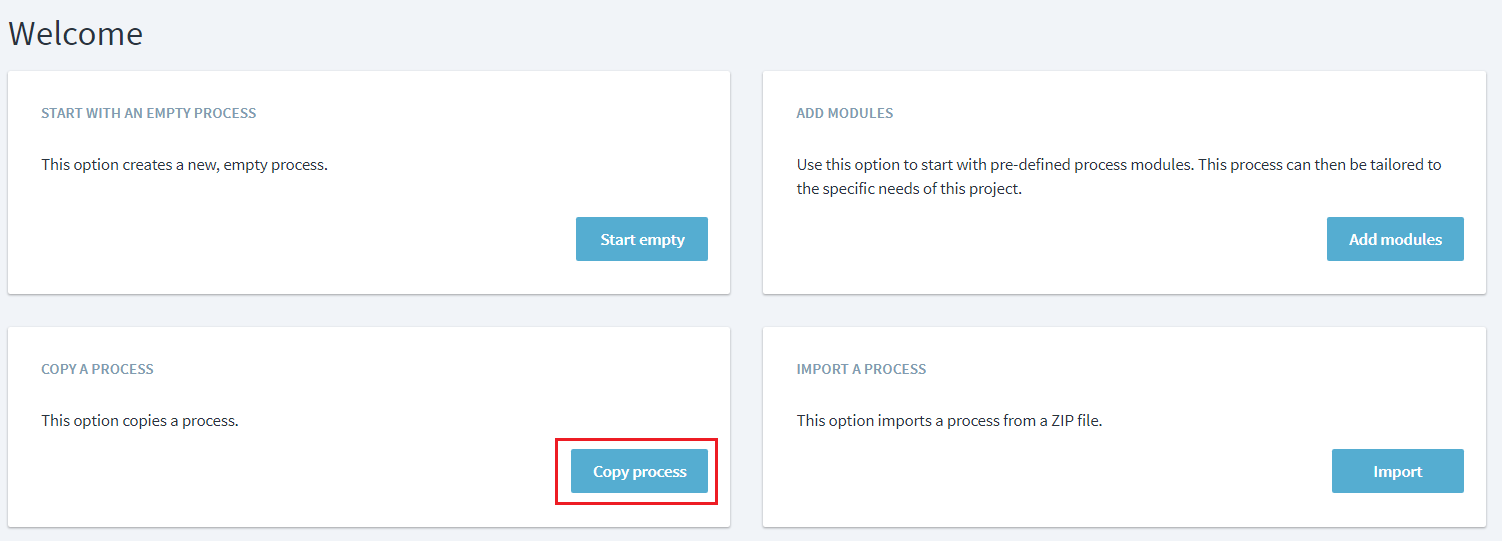
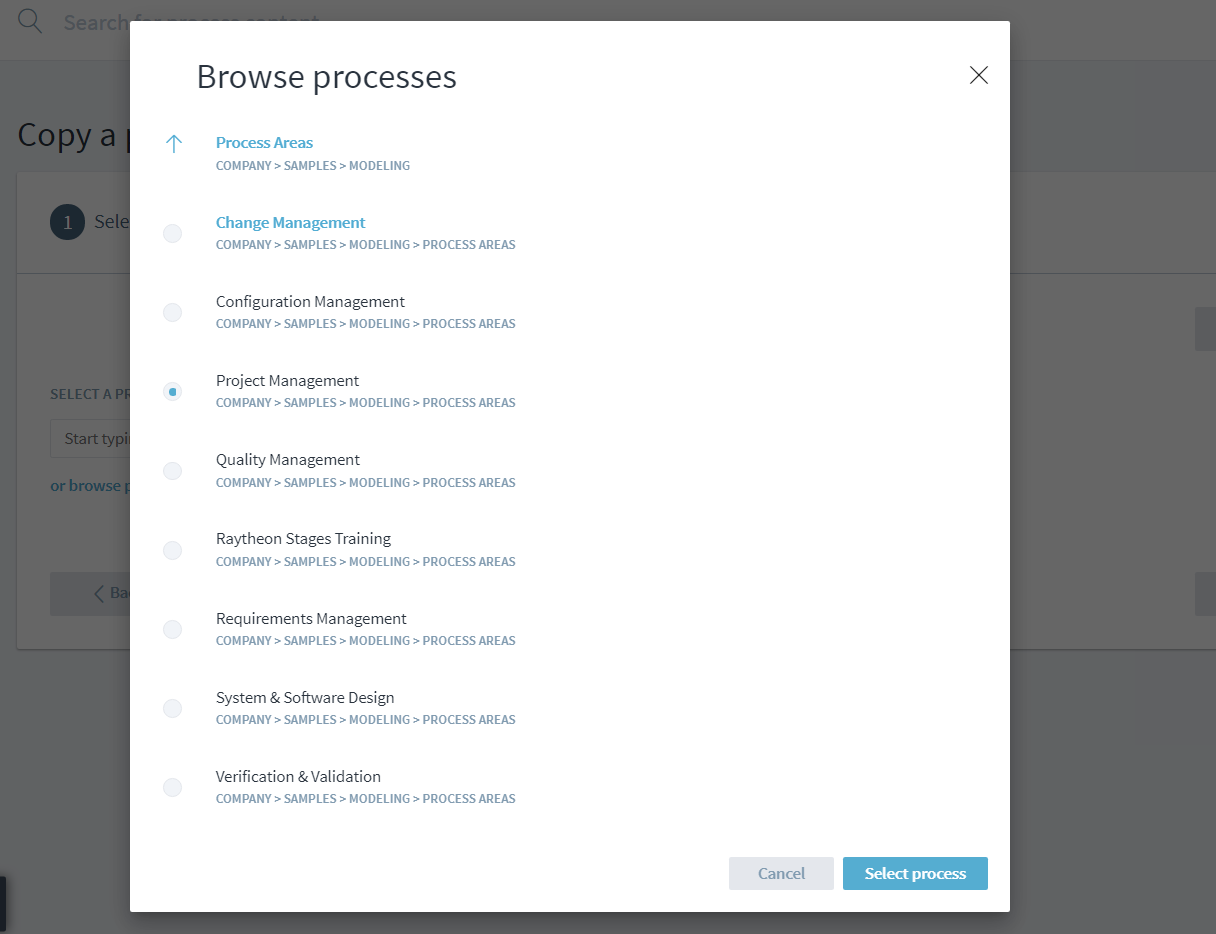
3. Then browse to the process that needs to be copied over, select it. Next select the version of the process that needs to be copied and complete the process creation.
An important consideration when copying an entire process into a new workspace is the impact on process interfaces.
All local associations are retained in the copied process but process interfaces with other workspaces are retained only when workspaces containing matching elements (either identical elements or elements matching by name and parent name) are in the same workspace collection(s). Multiple matches will lead to multiple interfaces. If associations were origninally local assocition, no process interfaces will be derived from them - even if there are matching target elements in other workspaces of the collection. The same behavior is applied for process interfaces: Target elements for original process interfaces will not be searched locally.