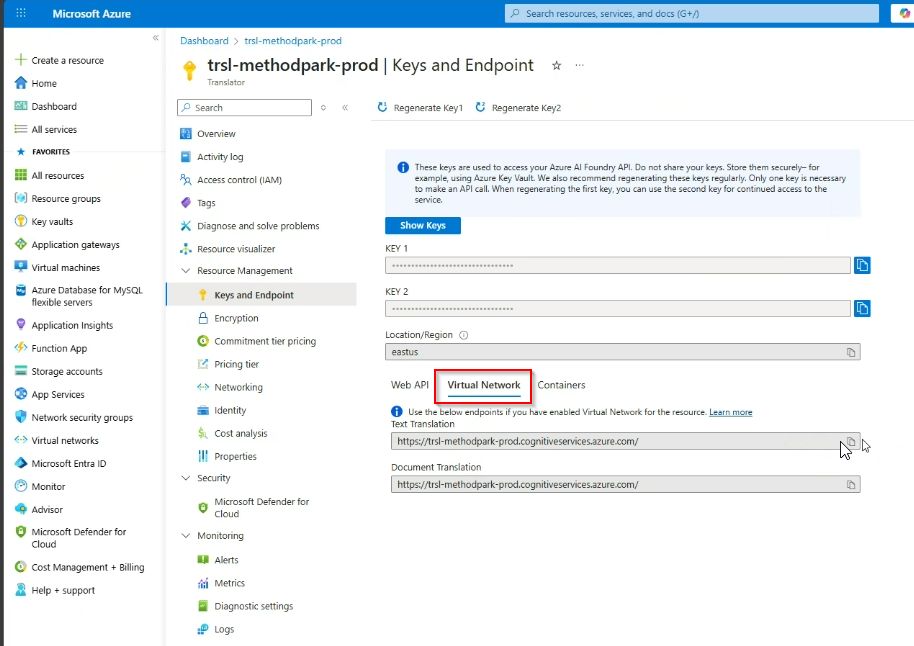
AI Feature Configuration: How to create Azure OpenAI services
After completing these steps you will get the needed URLs for the configuration in Stages
1. Login to Azure-Management-Portal and navigate to “Azure OpenAI” service:
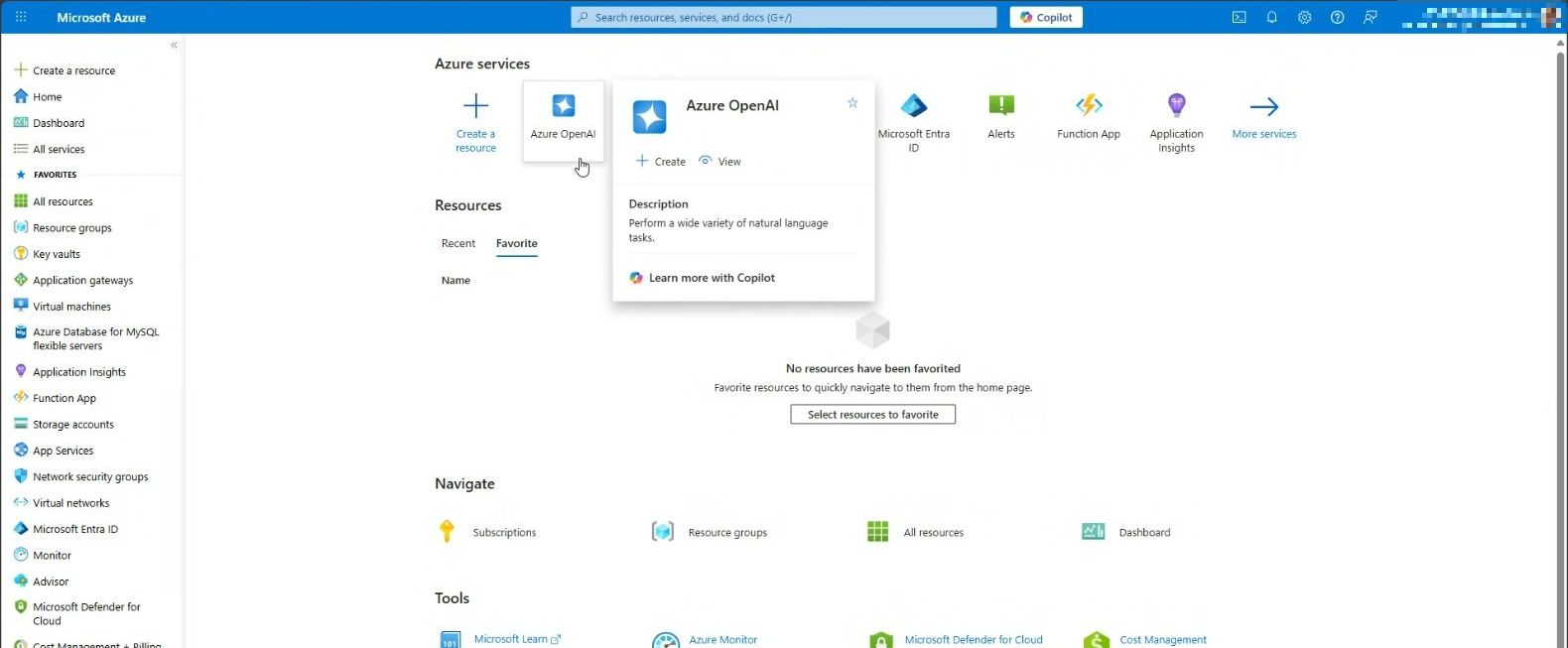
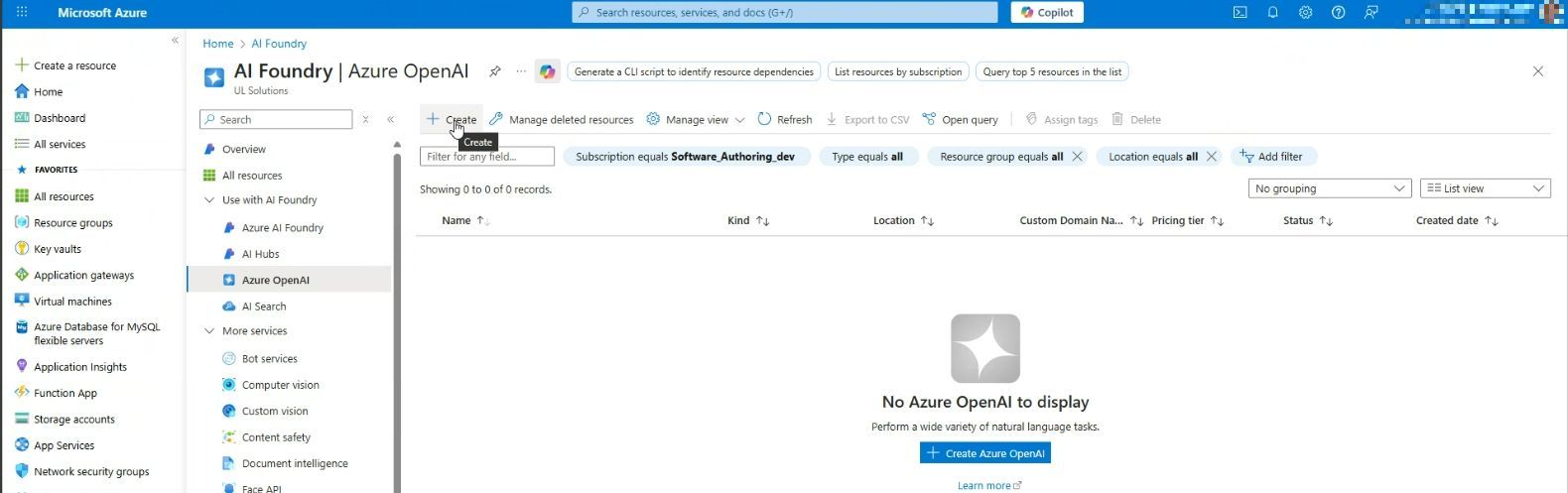
2. Create a new service within the OpenAI service:
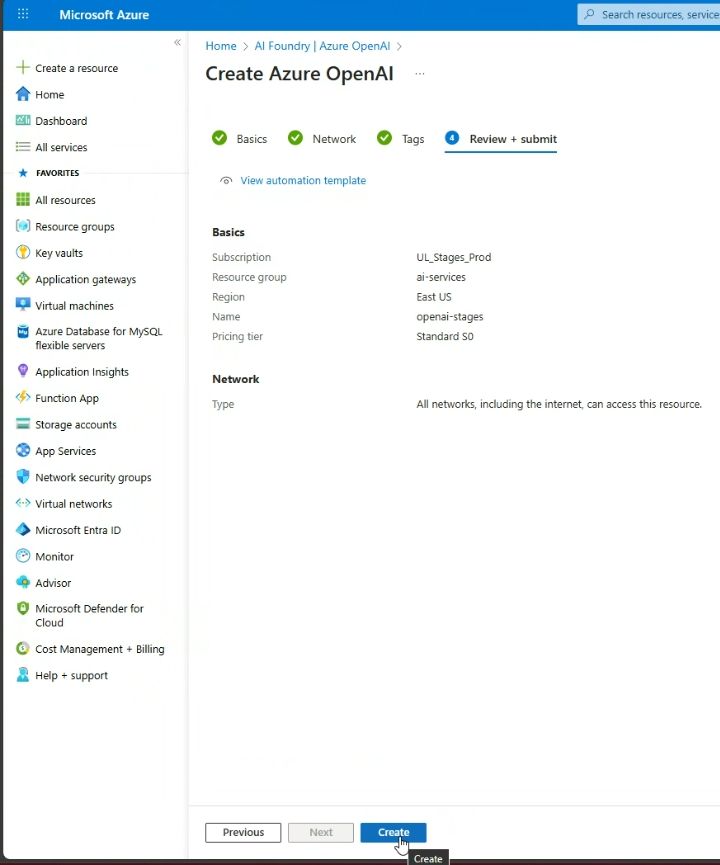
3. Define basic information for the resource - e.g. select region:
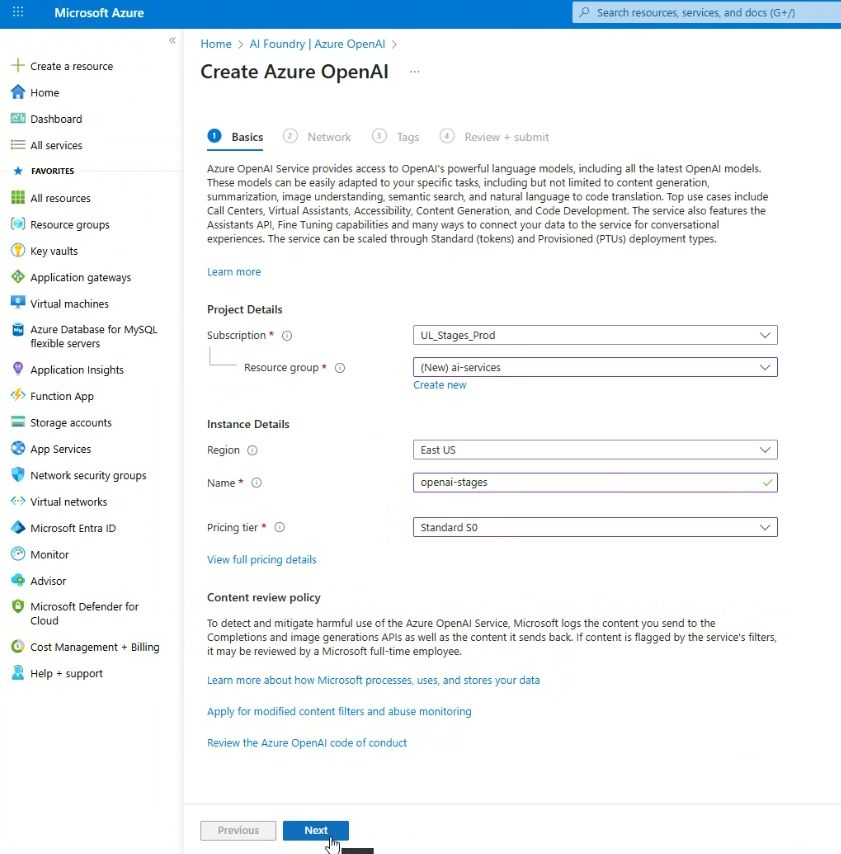
4. Create resource: click “Create”:
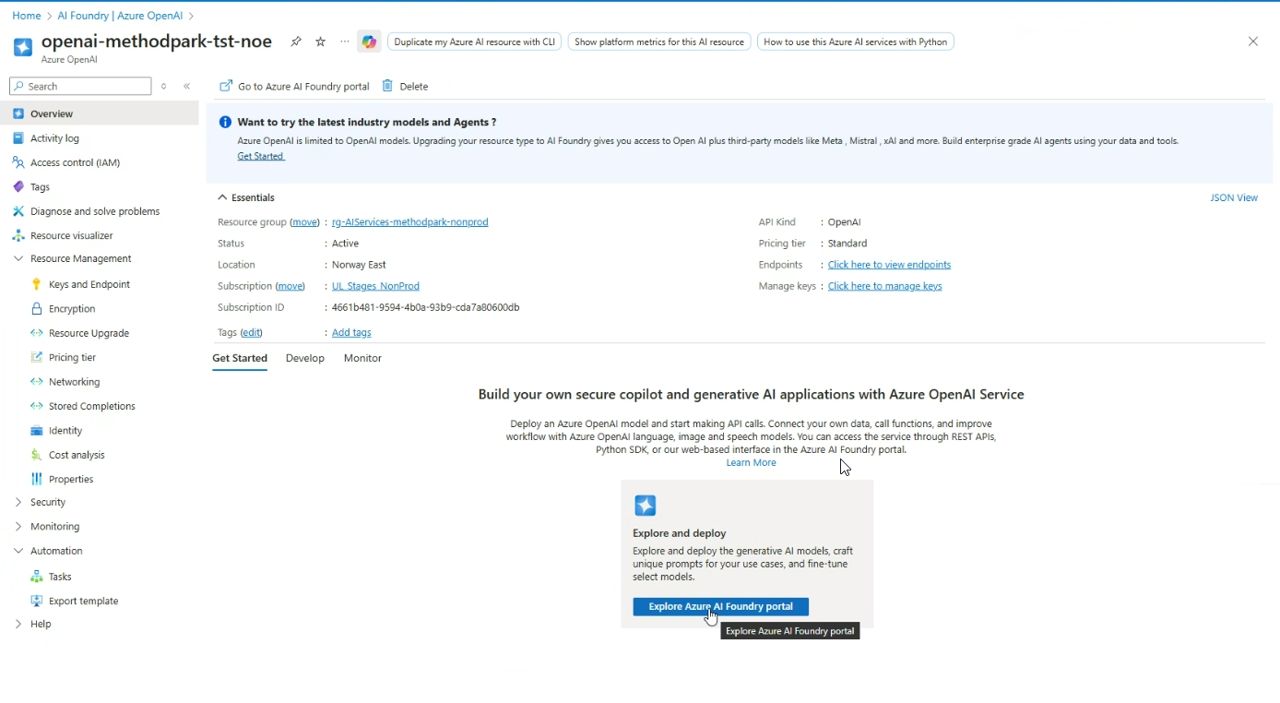
5. Select resource and navigate to “AI Foundry portal”. Required AI models need to be configured here:
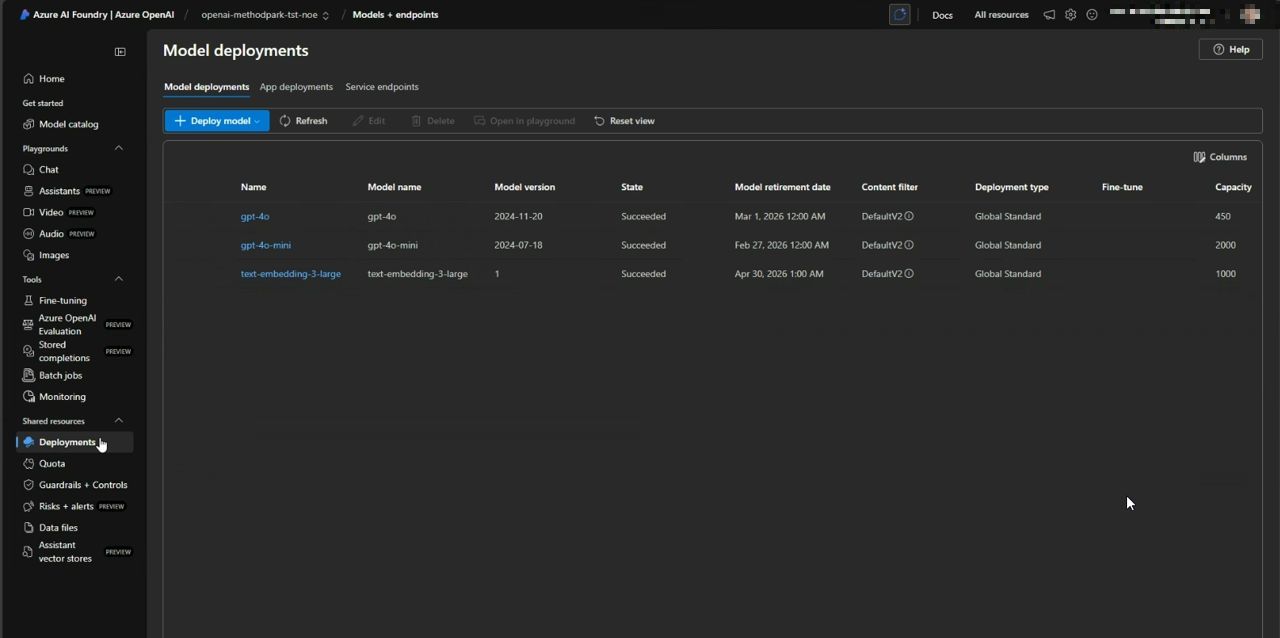
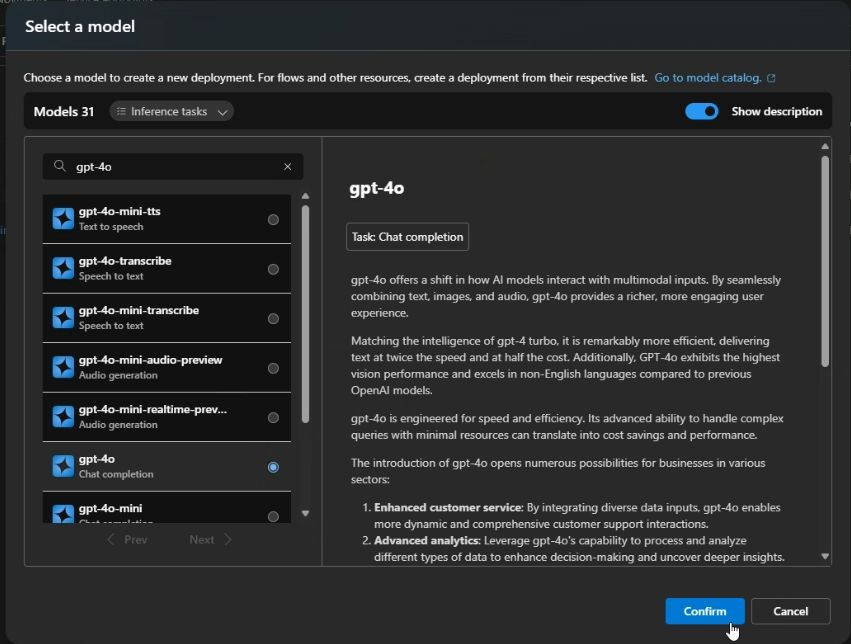
6. Within “AI foundry portal” these three models need to be deployed:
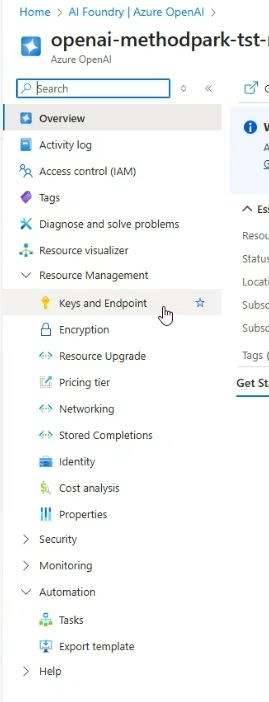
7. Within the resource navigate to “Keys and Endpoints”:
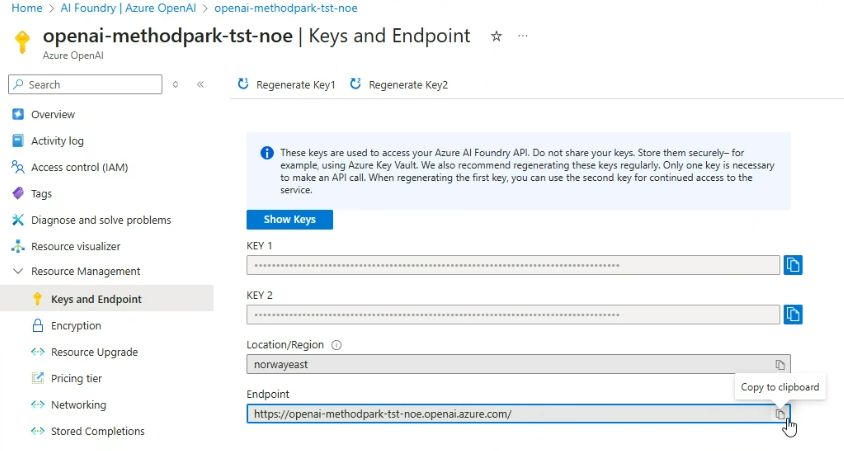
8. Here the required access data for Stages can be exported (URL, Key):
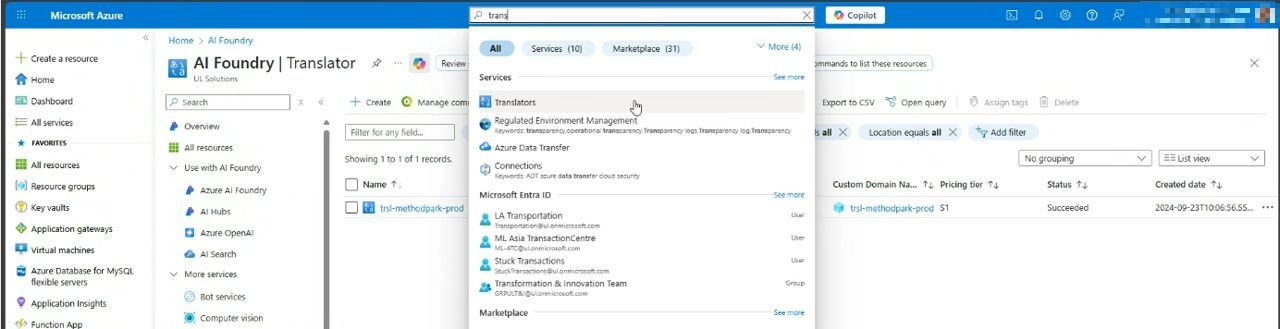
9. Afterwards create another resource for the translator-services:
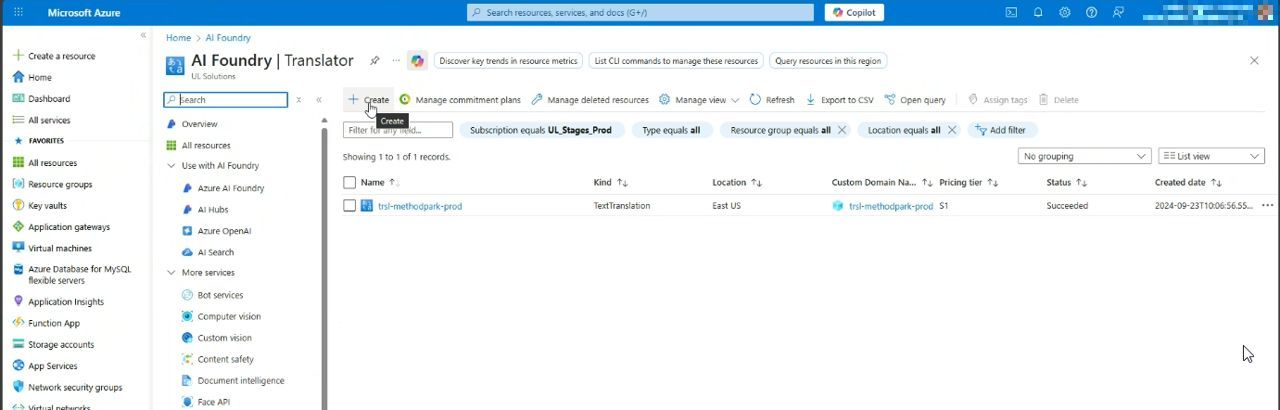
10. Define name and region:
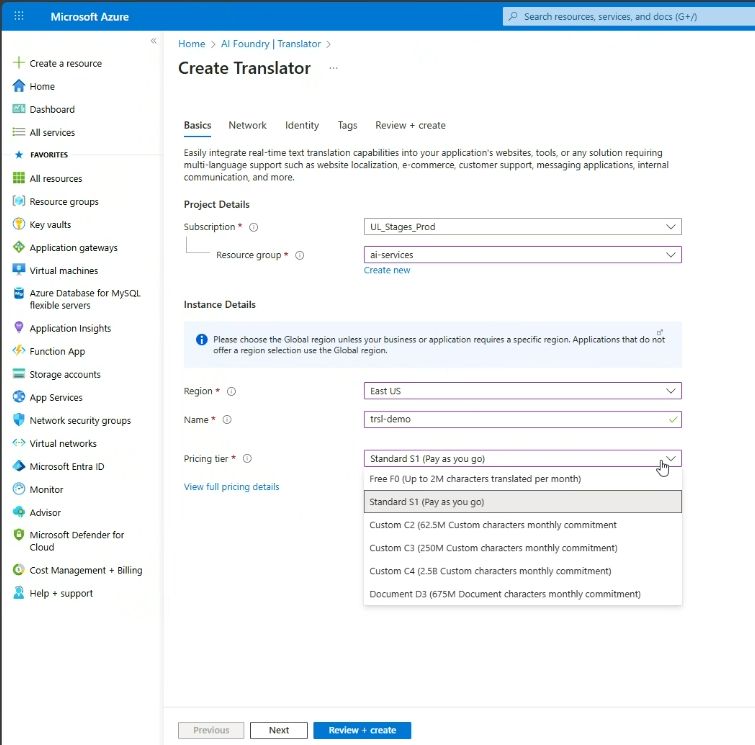
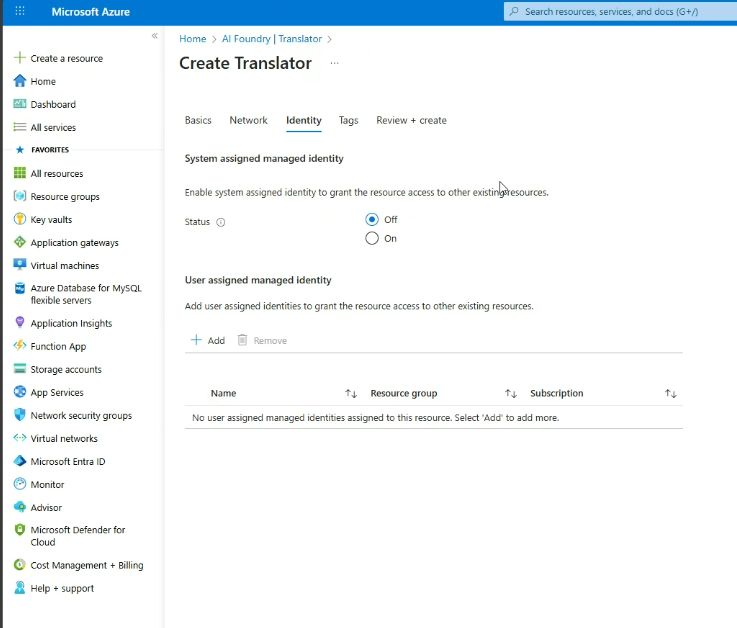
11. Leave system-identitiy-switch turned “off”:
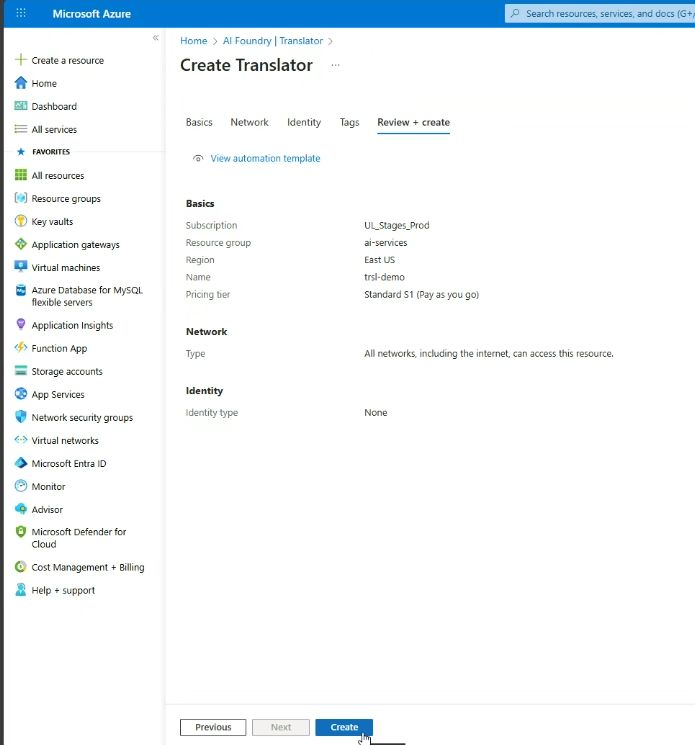
12. Create resource: click “Create”:
13. Export Stages access data (Key, Endpoint):